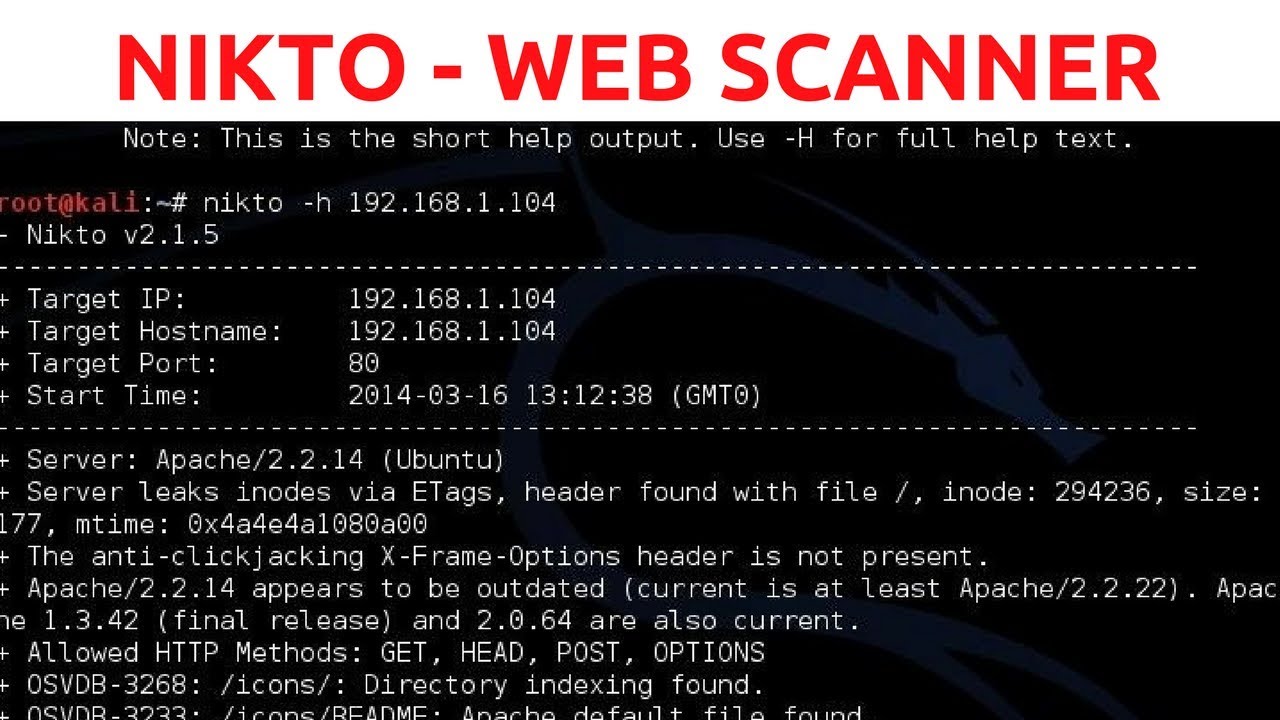
Nikto Web Vulnerability Scanner - Web Penetration Testing - #1
Keywords
Summary
148 words
Critical Evaluation
Value of the Information & Strength of the Argument
The video delivers practical value by showing real commands and a live scan, which is helpful for beginners. The argumentation is clear: Nikto is useful for finding server misconfigurations that admins overlook. The host briefly compares Nikto with WPScan, noting Nikto works on any web server. The reasoning is sound but remains at a surface level; there is no deep dive into the meaning of findings or how to verify false positives. The emphasis on documentation is a good professional practice.
Scientific Rigor, Source Quality, Title Accuracy
The creator demonstrates command usage accurately, consistent with official Nikto documentation. No scientific references are cited, but the video is a practical tutorial, not a research piece. The title accurately reflects content. Sources mentioned include the HackerSploit website (hsploit.com) for wordlists, but no external security references. The video’s technical claims are plausible and align with general knowledge of Nikto. The creator’s credibility as an experienced pentester adds trust, though the tutorial is introductory and does not address complex scenarios.
175 words
Title / Content Match
Titre perfectly matches the content: a step-by-step tutorial on using Nikto within a web penetration testing series.
Quality & Reliability
7/10
Clear and accurate practical demonstration of Nikto usage, but limited depth in vulnerability analysis. The creator is an experienced security practitioner, yet the content is introductory and does not include advanced exploitation or verification.
Key Moments
Markers derived by PSI from the transcript: the creator did not define chapters.
- Introduction and overview of the web penetration testing series
- Explanation of Nikto and its purpose for detecting server misconfigurations
- Demonstration of launching Nikto and opening the help menu
- Detailed breakdown of key Nikto commands (host, port, output, etc.)
- First scan execution against WordPress server and initial results
- Scan results displayed, noting missing security headers and WordPress version disclosure
- Demonstration of outputting scan results to a file using -o and -f options
- Final verification of saved results and conclusion with future topics preview
Cited Sources
- HackerSploit Website — Mentioned in the video description and by the creator as a place to download wordlists and additional resources.
Concurring Sources
- Nikto GitHub Repository — Open-source code and documentation, aligning with the video's description of Nikto.
External References
Contribution & Novelties
This video serves as a foundational introduction to using Nikto for web vulnerability scanning. It clearly differentiates Nikto from specialized tools like WPScan and emphasizes the importance of documentation in penetration testing. While not revolutionary, it provides a solid starting point for beginners in web security.
Pour aller plus loin :
- Nikto Official Documentation — Official wiki with detailed usage, plugin development, and FAQ.
- OWASP Web Application Scanning — Comprehensive guide on web application security testing methodologies.
- Kali Linux Tools — Official Kali Linux page for Nikto with installation and usage information.
- CVE Database — Common Vulnerabilities and Exposures resource for understanding vulnerabilities detected by scanners like Nikto.
108 words
Radar Profile
The radar profile shows balanced scores across all dimensions, with slightly lower technical depth (6/10) compared to information quantity and quality (7/10). This reflects an introductory tutorial that is informative but not highly advanced, suitable for beginners.
💬 Très positif. Sur les 30 commentaires analysés, tous expriment des remerciements et des encouragements, saluant la clarté et l'utilité pédagogique du tutoriel, sans aucune critique négative.