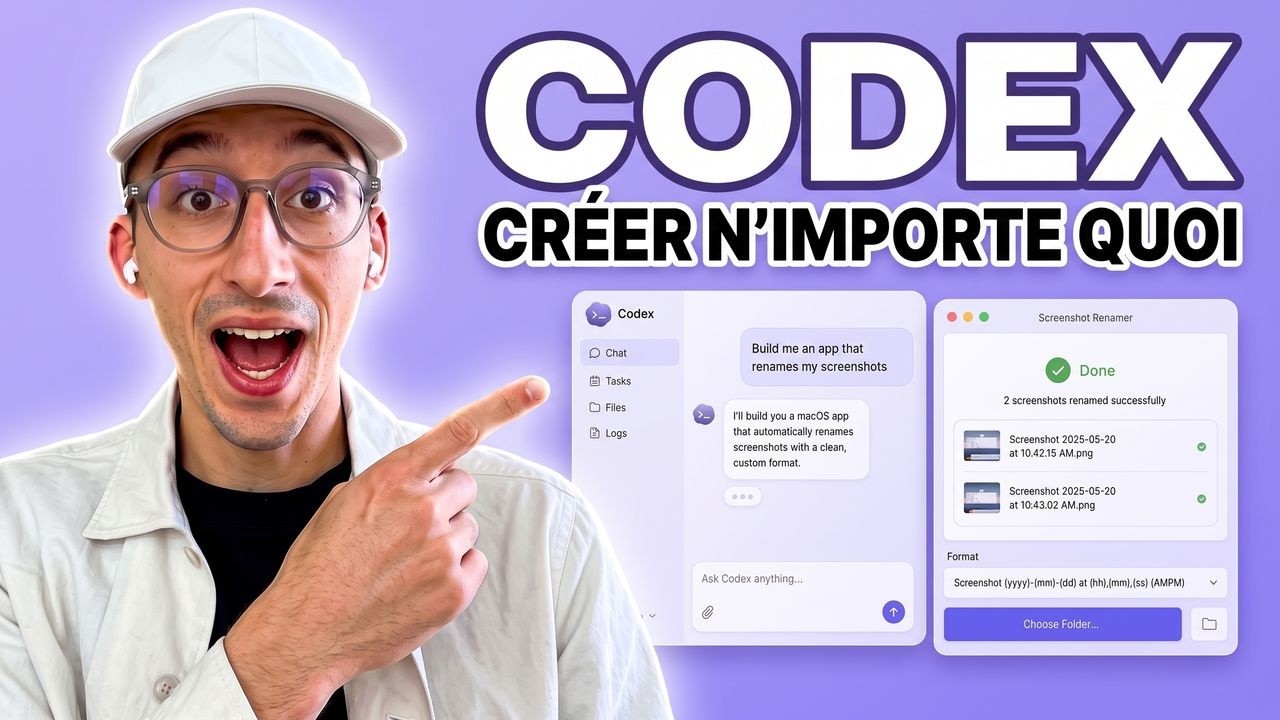
Créer ta première application avec Codex - Tuto débutant
Create Your First Application with Codex - Beginner Tutorial
Title history
- Créer ta première application avec Codex - Tuto débutant — observed on 20261101-0106 UTC (YouTube)
Keywords
Summary
188 words
Critical Evaluation
Value of the Information & Strength of the Argument
The value of this video lies in its concrete, step-by-step demonstration that demystifies AI-driven application development for non-programmers. The presenter effectively argues that with Codex, users can automate complex tasks like video processing without writing code manually. He supports his claims by showing live interactions with the AI, including the AI’s questions and modifications, which adds credibility. However, the argumentation is largely anecdotal, based on a single example, and he does not discuss limitations, costs, or security risks in depth. He briefly mentions that Gemini’s free tier makes it cost-effective but doesn’t explore edge cases or failure scenarios. The overall argument is persuasive for a beginner audience but lacks rigorous technical analysis.
Scientific Rigor, Source Quality, Title Accuracy
The video is a tutorial and does not aim to be a scientific review; it relies on practical demonstration rather than cited literature. The sources referenced are the tools themselves (OpenAI Codex, ElevenLabs, Gemini) and the creator’s own promotional links. He accurately names the official websites for OpenAI Codex and Google AI Studio, and uses the Gemini API for video analysis. The title precisely matches the content, which is a beginner-focused guide to creating an application with Codex. The description includes multiple links to the creator’s courses and social media, which are not authoritative sources but serve as supplementary resources for viewers. There are no explicit external research papers or official documentation cited, which limits the scientific rigor. However, for a practical tutorial, the steps are clearly explained and reproducible, and the creator demonstrates the app’s functionality in real time, which partially compensates for the lack of formal citations.
276 words
Title / Content Match
The title accurately reflects the content: a beginner-friendly tutorial on creating an application using OpenAI Codex.
Quality & Reliability
7/10
The video provides a step-by-step practical guide with live demonstrations, but lacks depth on technical details, security considerations, and does not cite external sources beyond the tools mentioned. Claims about performance and limitations are based on personal observation.
Chapters
- Introduction
- Configuration des outils et API
- Initialisation du projet local
- Choix des modèles et paramètres
- Définition de la tâche IA
- Intégration de la Gemini API
- Gestion des clés et sécurité
- Installation des plugins utiles
- Test de l'application en direct
- Optimisation du workflow IA
- Potentiel des outils locaux
- Conclusion et formation SaaS
Cited Sources
- OpenAI Codex — Mentioned as the primary tool used to build the application; the presenter directs viewers to download it from this site.
- Gemini API (AI Studio) — Used for generating API keys and analysis; the presenter mentions 'AI Studio.google.com' and uses Gemini for scene selection.
- Melvyn's Blog — Linked in the description as a resource for additional content and tutorials.
- Melvyn's GitHub — Linked in the description; may contain code examples or tools related to the video.
- Formation Créer un SaaS avec l'IA — Promoted at the end of the video as a paid course for building SaaS applications with AI.
External References
Contribution & Novelties
This video provides an accessible, practical demonstration of using OpenAI Codex to autonomously build a local application, showcasing a workflow that combines AI-driven code generation with API integrations (Gemini and ElevenLabs) for a real-world video processing task. The novelty lies in the emphasis on non-developers being able to create sophisticated internal tools through natural language prompting and iterative feedback. The creator highlights the potential of Codex to reduce reliance on external developers and automate repetitive tasks. While no new technical breakthroughs are presented, the video effectively illustrates the current state of AI-assisted software development and its accessibility.
Pour aller plus loin :
- Software agent — Related to the concept of Codex acting as an autonomous agent; provides background on agent-based systems.
- Application programming interface — Essential for understanding the integration of external services like Gemini and ElevenLabs in the tutorial.
- Localhost — Contextualizes the ’local-first’ approach of the application, which runs on the user’s machine rather than a remote server.
- Prompt engineering — Advanced techniques for interacting with AI models, relevant to optimizing the instructions given to Codex in this tutorial.
181 words
Radar Profile
The radar profile shows a balanced performance with relatively high scores in quantity and reliability of information, while technical depth and quality are moderately evaluated. This reflects a practical, hands-on tutorial that offers extensive step-by-step guidance but lacks deep technical rigor or comprehensive source citation.