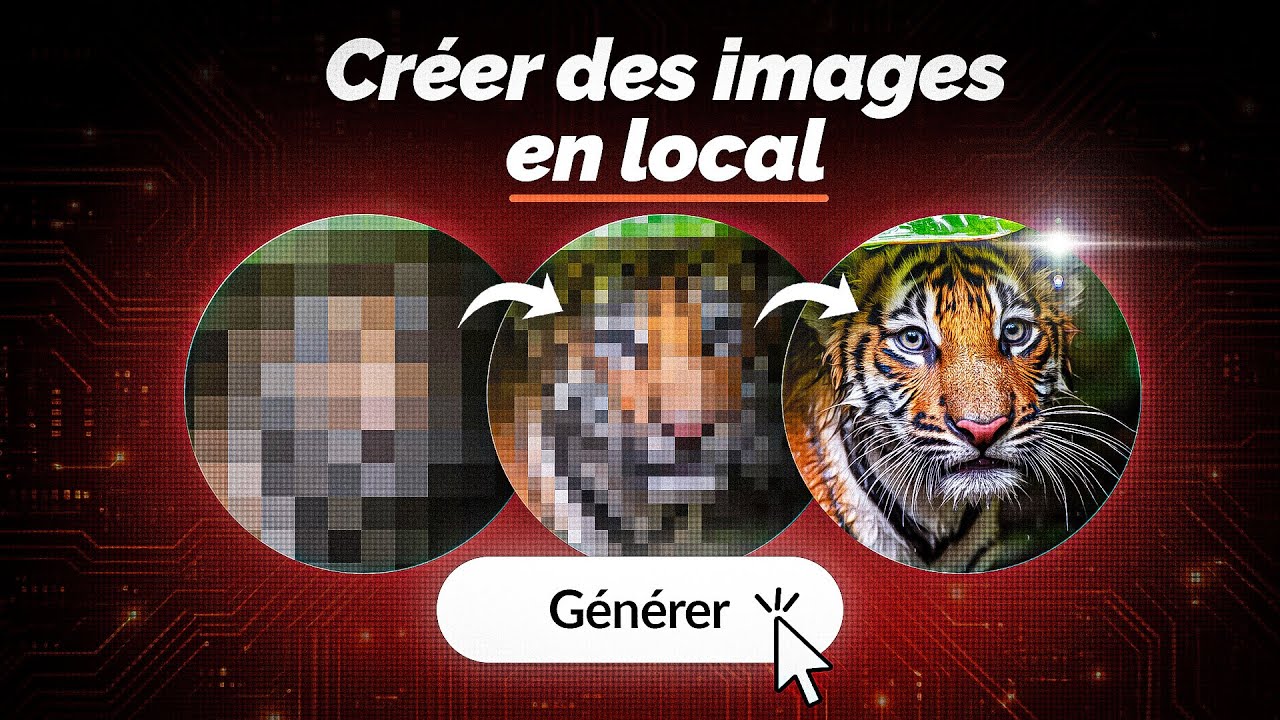
Le guide SIMPLE pour générer des images incroyable en local sur ton PC (ComfyUI + FLUX 2)
The SIMPLE guide to generating incredible images locally on your PC (ComfyUI + FLUX 2)
Title history
- Le guide SIMPLE pour générer des images incroyable en local sur ton PC (ComfyUI + FLUX 2) — observed on 20261101-0143 UTC (YouTube)
Keywords
Summary
163 words
Critical Evaluation
Value of the Information & Strength of the Argument
The video offers high pedagogical value by breaking down a complex tool into simple, actionable steps. The argumentation is solid, grounded in live demonstrations and clear analogies (e.g., GPU as an army of mathematicians). The presenter explains both the ‘how’ and the ‘why’, particularly when discussing the underlying processes like denoising and quantization, which helps viewers understand the technology rather than just follow instructions. However, the promotional context with NVIDIA occasionally leads to overly enthusiastic claims about hardware performance, which could be seen as biased, though the technical explanations remain valid.
Scientific Rigor, Source Quality, Title Accuracy
The video cites reliable sources, including the official NVIDIA website on AI on RTX and a detailed article from Numerama, which itself references official documentation. The title accurately matches the content: it is indeed a simple guide for local AI image generation using ComfyUI and Flux 2. The sponsorship by NVIDIA is transparently disclosed and does not undermine the overall technical accuracy. However, the dependence on NVIDIA-specific optimizations (e.g., FP4 quantization) may limit the applicability to other GPU brands.
185 words
Title / Content Match
The title accurately reflects the content: it is truly a simple guide for installing and using ComfyUI with the Flux 2 model to generate images locally.
Quality & Reliability
7/10
The video is a well-structured tutorial with practical demonstrations, but it is sponsored by NVIDIA, which introduces a potential commercial bias. Technical explanations are accurate and reliable, though some claims about performance are promotional.
Chapters
- Générer des images en local, c’est possible !
- C’est quoi Comfy UI ?
- Quelle config pour générer des images ?
- Installation et configuration de Comfy UI
- Comprendre l’interface de Comfy UI
- On génère notre première image
- Que fait la carte graphique dans tout ça ?
- On teste différents prompts
- Derniers conseils pratiques
Cited Sources
- Numerama article on ComfyUI — Referenced as the companion article providing additional details.
- NVIDIA AI on RTX — Official NVIDIA page explaining local AI capabilities, cited as the source for hardware recommendations.
- Numerama website — General source for the channel's content and further reading.
Concurring Sources
- Numerama article on ComfyUI — Supports the tutorial by providing written instructions and additional context.
External References
Contribution & Novelties
The video contributes a clear, practical guide for using ComfyUI with Flux 2, demystifying the node‑based workflow and explaining hardware requirements in an accessible way. It stands out by showing real‑time generation and editing examples, and by linking to NVIDIA’s specific optimizations (FP4 quantization, Tensor Cores).
Pour aller plus loin :
- Diffusion model — The generative AI technique underlying Flux 2.
- CUDA — NVIDIA’s parallel computing platform essential for GPU acceleration.
- Quantization — The process used to reduce memory and speed up inference, as explained in the video.
- Tensor Core — Hardware accelerators for deep learning on modern NVIDIA GPUs.
100 words
Radar Profile
The radar profile shows high scores for information quantity and quality, balanced with a moderate technical level. The lower reliability score reflects the sponsorship-induced bias, while the tutorial remains practically useful.