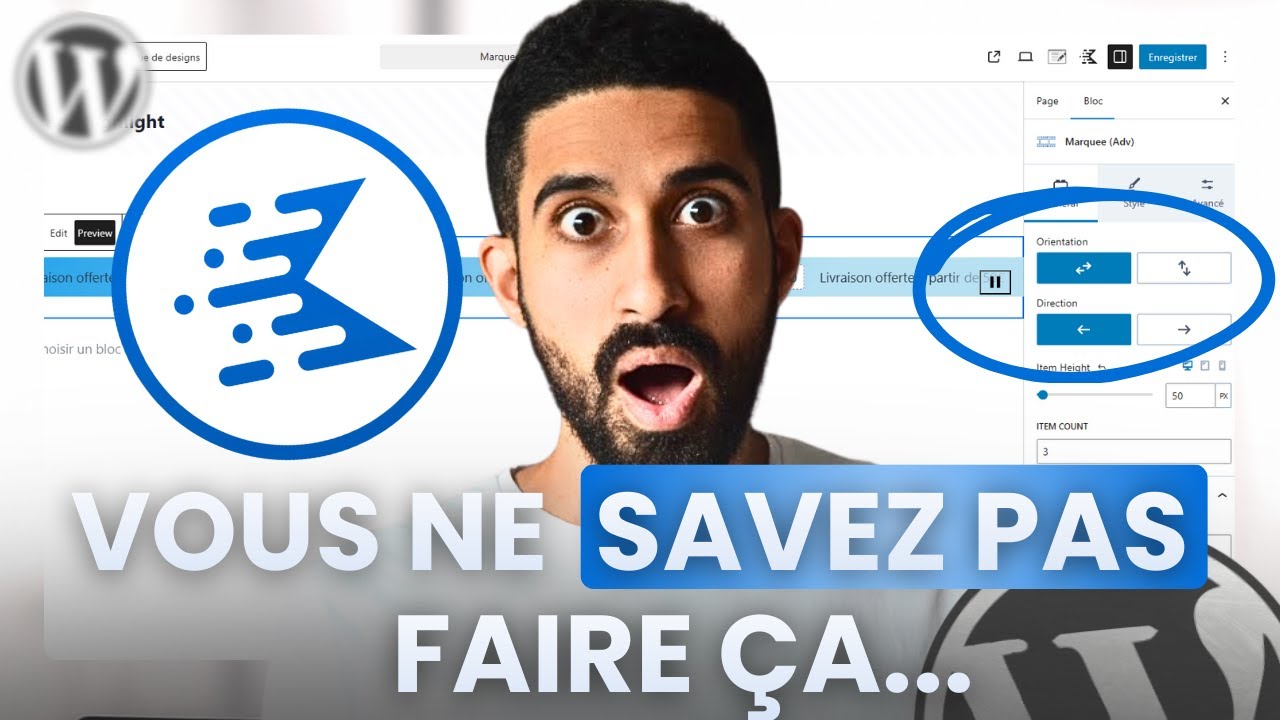
5 blocs Kadence à découvrir ABSOLUMENT (gratuits et pro)
5 Kadence climbing blocks you ABSOLUTELY MUST discover (free and professional)
Title history
- 5 blocs Kadence à découvrir ABSOLUMENT (gratuits et pro) — observed on 20261111-2322 UTC (YouTube)
Keywords
Summary
155 words
Critical Evaluation
Value of the Information & Strength of the Argument
The video’s value lies in its hands-on approach, showing real use cases for each block rather than just theoretical descriptions. The argumentation is structured logically, moving from basic to more advanced features, and the creator supports each claim with visible demonstrations in the WordPress editor. The explanations are clear, and potential pitfalls (e.g., identifying the correct parent block) are addressed. The information is actionable, making it useful for both novice and experienced WordPress users.
Scientific Rigor, Source Quality, Title Accuracy
As a tutorial, the video does not rely on external scientific sources but on the creator’s practical expertise. The description includes links to official Kadence resources (affiliate), additional tutorials, and recommended tools, which serve as supplementary references. The title accurately matches the content, and the video’s internal structure with chapters enhances clarity. No claims are made that require external verification; the information is presented as practical advice. There are no misleading statements, and the free vs. Pro distinction is clearly highlighted.
170 words
Title / Content Match
The title accurately reflects the content: exactly five blocks are presented (with a bonus sixth), covering both free and Pro features as promised.
Quality & Reliability
7/10
The video provides clear, practical demonstrations and explanations based on the creator's direct experience with Kadence Blocks. No external references or data are cited, so scientific rigor is not central, but the technical instructions appear accurate and reproducible.
Chapters
Cited Sources
- Progresser avec l'IA — Link to a free AI course in the description
- Hébergeur WordPress — Recommended web host with discount code
- Divi — Affiliate link for Divi page builder
- Elementor — Affiliate link for Elementor page builder
- Indy — Tool for creating a business and invoicing
- Kadence Blocks — Affiliate link to Kadence Blocks plugin
- LatePoint — Affiliate link for booking/reservation plugin
- Matériel — Recommended equipment for web activities
- OttoKit — Affiliate link for AI agents for WordPress
- Tutoriel Kadence Blocks — Link to full tutorial series for Kadence Blocks
- UberSuggest — Affiliate link for SEO tool
- WP Umbrella — Affiliate link for managing multiple WordPress sites
- Formation Divi — Free Divi training video
- Formation WordPress — Free WordPress training video
- Formation Elementor — Free Elementor training video
- Formation site de réservation — Free reservation website training video
Contribution & Novelties
The video’s original contribution is to consolidate and showcase five less-obvious Kadence Blocks features in a single practical demonstration, making them accessible to users who might not have explored them. It offers time-saving tips, such as using the Show More block for dense pricing pages and the Marquee block for visually engaging banners. The advanced text highlighting is particularly useful for creating eye-catching promotional elements without custom CSS. The tutorial’s no-nonsense approach and real-world examples provide immediate value for WordPress site builders.
Pour aller plus loin :
- Kadence Blocks Official Documentation — Official plugin site with full documentation and tutorials.
- WordPress Block Editor Handbook — Reference for creating custom blocks and understanding block framework.
- Marquee animation concept — CSS animations basics for implementing marquee effects manually.
126 words
Radar Profile
The radar profile is fairly balanced, with slightly higher scores in reliability and information quality, and moderate technical level. This indicates a solid, trustworthy tutorial that is useful for a practical audience, but not deeply technical or information-dense.