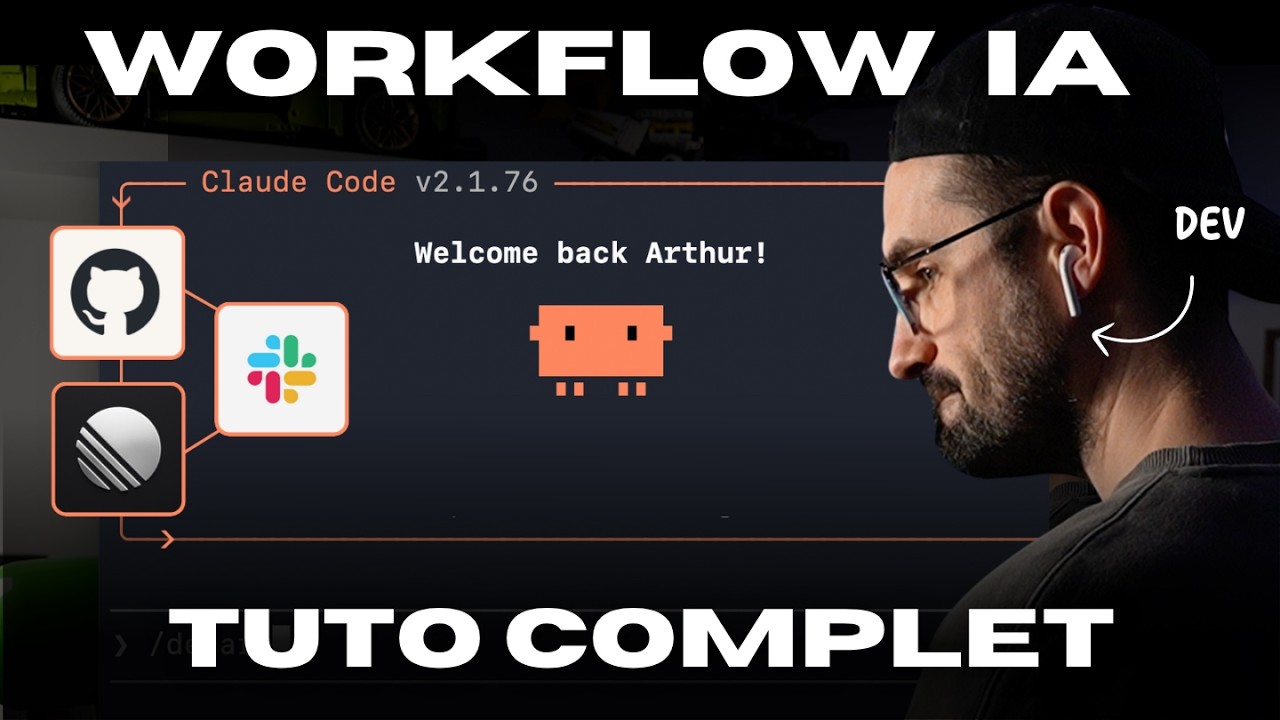
Coder avec l’IA: le vrai workflow (démo complète)
Coding with AI: the real workflow (full demo)
Title history
- Coder avec l’IA: le vrai workflow (démo complète) — observed on 20261101-0132 UTC (YouTube)
Keywords
Summary
178 words
Critical Evaluation
Value of the Information & Strength of the Argument
The value of this video lies in its concrete, hands-on approach. It goes beyond abstract discussions and shows exactly how to set up and use AI tools like Claude Code in a real project. The argumentation is solid: the creator provides logical justifications for each step, such as why detailed tickets improve AI performance and why separating tasks (planning, coding, PR) enhances code review. He also emphasizes the importance of human oversight, noting that AI is not fully autonomous. The live demonstration, including minor glitches, makes the claims credible and practical. However, the video is limited to a single toolchain (Anthropic’s ecosystem), and the creator acknowledges that results may vary with different models. The presentation is biased towards his personal preferences (e.g., using CLI tools vs. IDE), but overall the reasoning is clear and well-structured.
Scientific Rigor, Source Quality, Title Accuracy
The scientific rigor is moderate. The creator does not provide citations or references to academic works, which is expected for a practical tutorial. He does mention official documentation for MCP servers (Linear, GitHub, Slack) and provides a link to his own list of skills in the description. The video uses real tools and reproducible steps, making it a reliable practical guide. The title accurately describes the content, and the description includes relevant links and chapters. No significant source bias is detected, though the creator’s excitement about AI tools is evident. The video does not claim to be scientific research; rather, it is a practitioner’s tutorial, and within that scope, it is credible and useful.
264 words
Title / Content Match
The title accurately reflects the content: a complete demonstration of a practical AI coding workflow.
Quality & Reliability
8/10
The video provides a practical, step-by-step demonstration of a real-world AI-assisted development workflow, using well-known tools (Claude Code, MCP servers). The information is clear, reproducible, and based on the creator's direct experience, though it is not peer-reviewed and some claims about AI capabilities are subjective.
Chapters
Cited Sources
- Skills de la vidéo — Lien fourni dans la description pour télécharger les skills utilisés dans la démo (planifier, coder, PR, etc.).
External References
Contribution & Novelties
The video offers a rare, fully transparent look at how a developer integrates AI into a real professional context, showing not only the successes but also the debugging moments. It demonstrates the concept of using MCP (Model Context Protocol) to connect Claude Code with external services (Linear, GitHub, Slack) as a cohesive workflow, which is a relatively new practice. The creator introduces custom ‘skills’ that structure the AI’s behaviour, providing a template that viewers can adapt. The emphasis on detailed ticket descriptions as a key to AI effectiveness is a valuable, practical insight.
Pour aller plus loin :
- Model Context Protocol — Official documentation of the protocol used to connect AI models to tools and data.
- Linear — The project management tool used in the video to manage issues; its MCP integration is a core part of the workflow.
- GitHub Actions — Automating workflows with GitHub’s CI/CD system, often used alongside AI coding tools.
- Claude Code (no URL provided) — The CLI tool by Anthropic for AI-assisted coding; official docs available at Anthropic’s site.
- Slack API — For integrating Slack with external services via MCP, similar to the demo.
189 words
Radar Profile
The radar profile shows high scores in technical depth and quantity of information, moderate scores in quality and reliability, reflecting a practical but not academically rigorous tutorial. The well-balanced profile indicates a useful resource for developers seeking to adopt AI workflows.