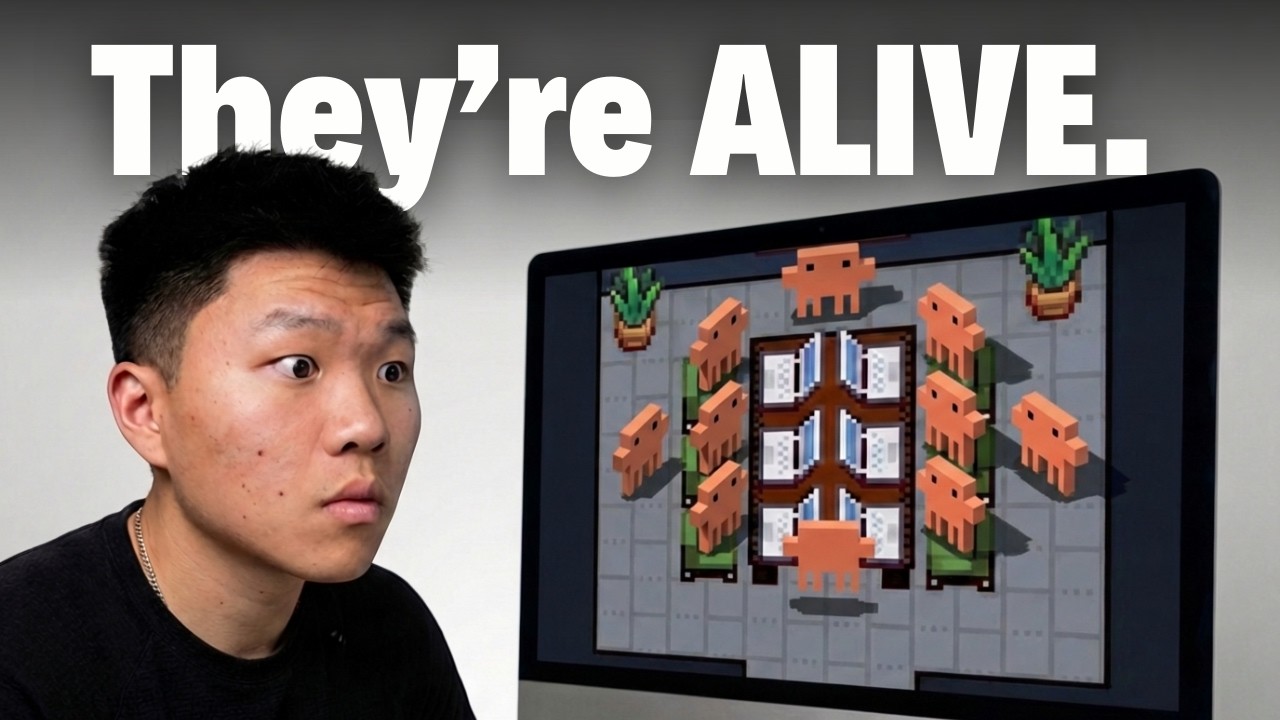
I Can Actually Watch My AI Agents Work Now
Keywords
Summary
197 words
Critical Evaluation
Value of the Information & Strength of the Argument
The video’s primary value lies in its practical demonstration of a novel tool, showing exactly how to set up and use Pixel Agents. The argumentation is straightforward and honest: the creator acknowledges the tool’s current limitations, calling it a ‘fun gimmick’ while also highlighting its potential. He builds a reasonable case for why visual monitoring matters, citing benefits like easier multitasking and lowering the barrier for non-technical users. The comparison to n8n’s success due to its visual interface is a relevant point. However, the argumentation lacks depth in exploring alternative solutions or the broader implications of such visualization tools. The creator’s enthusiasm is clear, but the analysis of the tool’s utility versus its novelty is somewhat superficial.
Scientific Rigor, Source Quality, Title Accuracy
The video demonstrates a reasonable level of scientific rigor for a tutorial. The creator provides direct links to the Pixel Agents extension and its GitHub repository, allowing viewers to verify the tool themselves. He also mentions conducting a security review, checking for data exfiltration and other risks, which is a responsible practice. However, the security analysis is not detailed; he doesn’t specify the exact methods or tools used for the review, relying instead on a summary of his findings. The title accurately reflects the content, which is a demonstration of watching AI agents work. The video is well-structured with clear timestamps, aiding navigation. While not a formal scientific study, the video provides a useful, practical overview of a new tool with a reasonable level of caution.
258 words
Title / Content Match
The title accurately reflects the video's content, which is a live demonstration of monitoring AI agents in a virtual office environment.
Quality & Reliability
7/10
The video provides a clear, step-by-step tutorial on setting up and using the Pixel Agents VS Code extension. The creator demonstrates a practical security review of the extension, checking for common red flags like data exfiltration and suspicious dependencies, which adds credibility. However, the security check is described at a high level without showing specific tools or commands used, and the creator's own assessment is subjective. The video is primarily a demonstration and opinion piece rather than a rigorous technical analysis.
Chapters
Cited Sources
- Pixel Agents - VS Code Marketplace — The extension being demonstrated and reviewed in the video.
- Pixel Agents - GitHub Repository — Source code and documentation for the Pixel Agents extension, referenced for security review and setup details.
- AI Automation Society (Free Group) — Creator's free community for AI automation resources.
- AI Automation Society Plus (Paid Group) — Creator's paid community for deeper AI automation learning.
- Nate Herk's LinkedIn — Creator's professional profile, mentioned for credibility.
Concurring Sources
- Pixel Agents - GitHub Repository — The repository provides the source code and documentation that aligns with the video's demonstration of the extension's features and setup.
External References
Contribution & Novelties
The video’s main contribution is showcasing a novel, accessible way to visualize AI agent activity, which is a relatively new area in AI tooling. It provides a practical, hands-on tutorial for a tool that turns abstract terminal processes into a tangible, gamified interface. The creator’s honest critique, acknowledging the tool’s current limitations while pointing toward future potential, adds a balanced perspective. The video also touches on the broader need for better human-AI interaction interfaces, which is a forward-looking concept.
Pour aller plus loin :
- Claude Code — The AI coding tool used in the video, relevant for understanding the agent’s underlying capabilities.
- n8n — A visual workflow automation tool mentioned in the video as an example of successful visual interfaces.
- Human-AI Interaction — The broader field of study relevant to designing better interfaces for monitoring and managing AI agents.
139 words
Radar Profile
The radar profile is balanced, with moderate to high scores across all dimensions. The video excels in providing a practical, hands-on tutorial (quantite_information) with a clear and honest presentation (qualite_information). The technical level is accessible to a broad audience, and the creator's security review adds to the overall reliability. This suggests a well-rounded, informative video that is both useful and trustworthy.
💬 Très positif. Sur les 30 commentaires analysés, l'accueil est extrêmement enthousiaste, avec des réactions comme 'FREAKING COOLEST THING' et des suggestions créatives pour améliorer l'outil, indiquant un fort engagement et une appréciation générale.