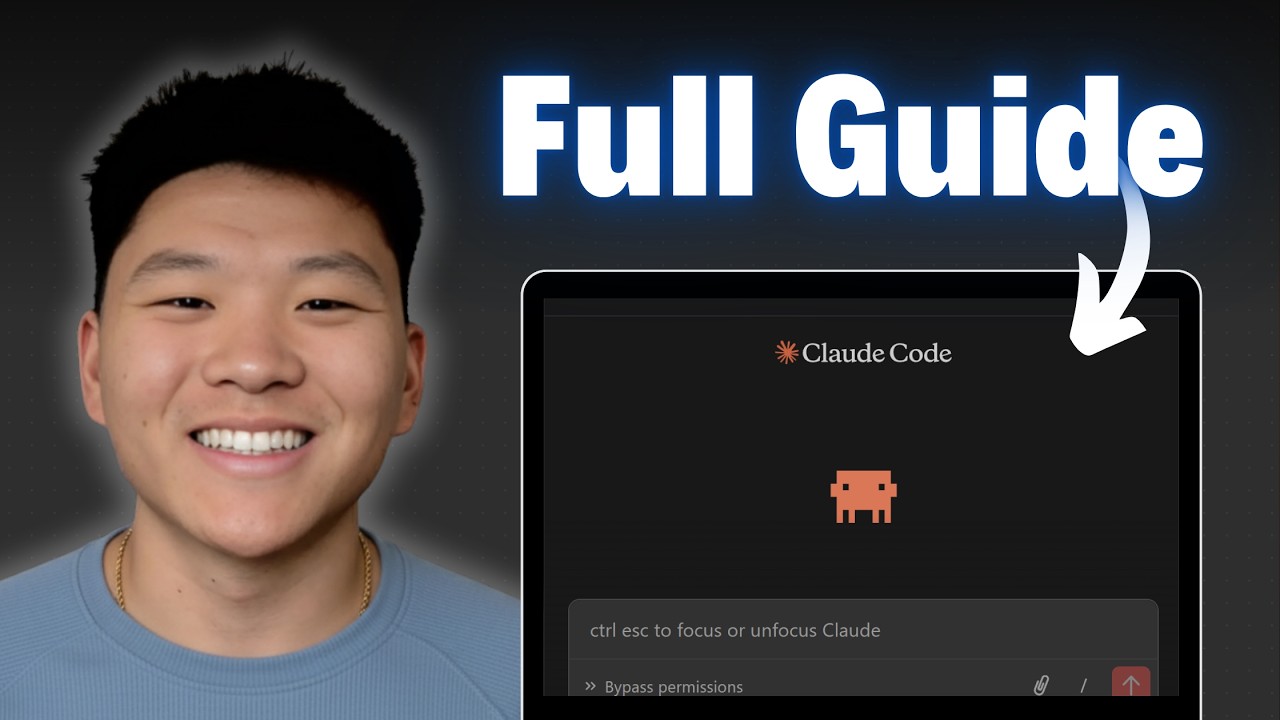
Master 95% of Claude Code in 36 Mins (as a beginner)
Keywords
Summary
158 words
Critical Evaluation
Value of the Information & Strength of the Argument
The video offers high practical value, providing a clear, actionable framework (WAT) that viewers can immediately apply. The live demonstration of building a real automation from scratch is particularly valuable, as it shows the entire process from planning to deployment. The argumentation is solid, based on the creator’s experience and the logical separation of workflows, agents, and tools. The emphasis on using plan mode and asking clarifying questions is a key insight that improves the quality of AI-generated outputs. The creator’s communication style is clear and easy to follow, making complex concepts accessible.
Scientific Rigor, Source Quality, Title Accuracy
The video is a tutorial, not a scientific presentation, so it lacks formal citations. However, the creator references official tools and platforms (VS Code, Claude, YouTube API, Gmail, Google Sheets) and provides links to his own resources. The title accurately reflects the content, and the video is well-structured with clear chapters. The creator’s expertise is evident, but the lack of external sources limits the scientific rigor. The adéquation between title and content is excellent, as the video delivers exactly what it promises.
190 words
Title / Content Match
The title accurately reflects the content: a comprehensive beginner's guide to Claude Code, covering essential features and workflows in a 36-minute tutorial.
Quality & Reliability
8/10
The video provides a clear, step-by-step tutorial on using Claude Code, with practical demonstrations and a structured framework (WAT). The creator demonstrates expertise and offers actionable advice, though it is primarily opinion-based and lacks formal citations. The information is reliable for beginners, but advanced users may find it superficial.
Chapters
Cited Sources
- Free AI OS Course — Mentioned as a free resource for the claude.md file and further learning.
- Full courses + unlimited support — Promoted as a paid option for deeper support.
- Podcast application — Mentioned for viewers interested in joining his podcast.
- Work with me — Linked as a service for professional AI automation.
- Voice to text tool — Mentioned as a tool for voice-to-text, with a free month offer.
- VPS hosting — Recommended for hosting Claude Code, with a discount code.
Concurring Sources
- Claude Code documentation — Official documentation that aligns with the video's instructions on setup and usage.
- Model Context Protocol (MCP) documentation — Provides background on MCP servers, which the video discusses as a 'superpower'.
Contribution & Novelties
The video’s main contribution is the WAT framework (Workflows, Agents, Tools), which provides a structured, reliable approach to building AI automations with Claude Code. It demystifies the process for beginners and emphasizes the importance of clear communication and planning. The live demonstration of a complete automation build is a valuable learning tool.
Pour aller plus loin :
- Model Context Protocol (MCP) — Official documentation for MCP, which is central to extending Claude Code’s capabilities.
- Claude Code documentation — Official Anthropic documentation for Claude Code, covering setup, features, and best practices.
- VS Code — The IDE used in the tutorial, essential for running Claude Code in this context.
- YouTube Data API — The API used to scrape YouTube data, relevant to the example automation.
- Google Sheets API — Used for exporting data, as demonstrated in the video.
136 words
Radar Profile
The radar profile shows high scores in information quantity and quality, reflecting the video's comprehensive and practical content. The technical level is moderate, suitable for beginners, and the overall reliability is good, though not perfect due to the lack of formal citations.
💬 Très positif. Sur les 30 commentaires analysés, la grande majorité exprime une forte appréciation, louant la clarté, la pédagogie et l'utilité pratique du tutoriel, avec quelques demandes de contenu plus avancé.