MidJourney Cheat Codes - Advanced Prompting Guide
Keywords
Summary
116 words
Critical Evaluation
Value of the Information & Strength of the Argument
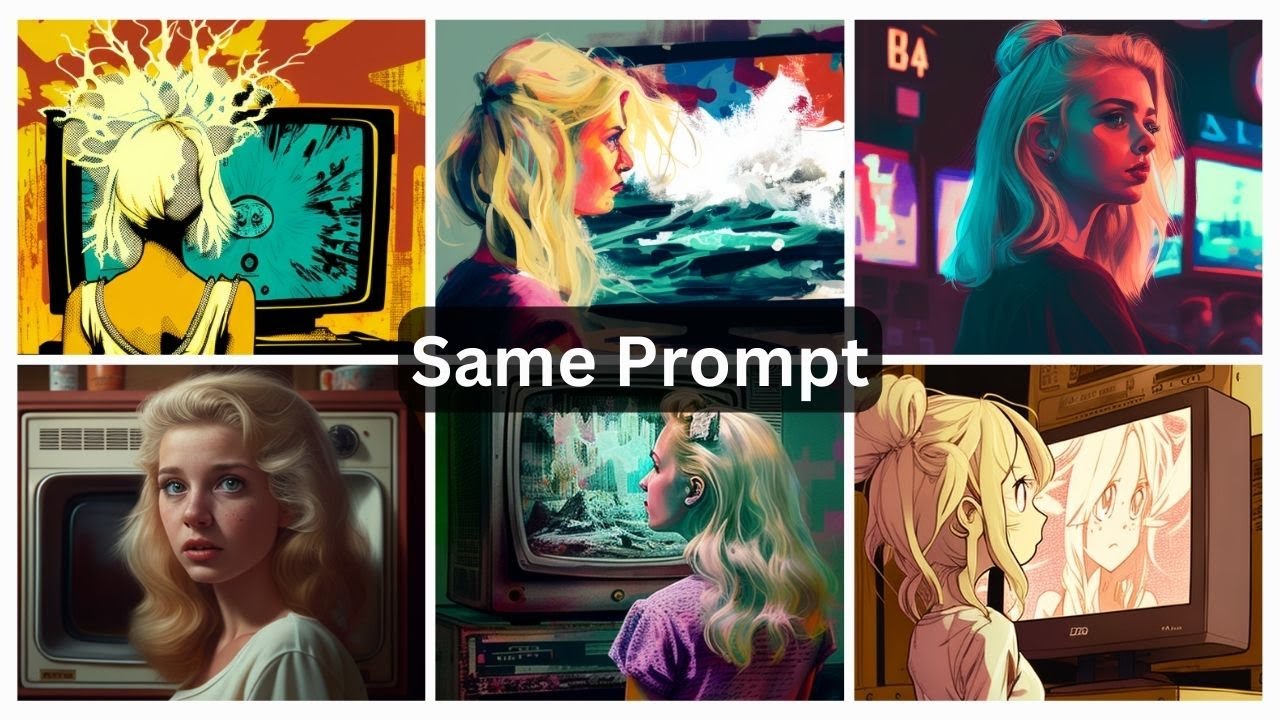
The video provides high practical value for MidJourney users, offering clear explanations and visual comparisons for each parameter. The argumentation is solid, based on direct demonstrations and consistent methodology (same seed, same prompt). The weighting technique is particularly valuable as it is not widely covered. The presentation is structured and easy to follow, with a logical progression from basic parameters to advanced resources.
Scientific Rigor, Source Quality, Title Accuracy
The video relies on direct experience and community resources. The GitHub repository is a well-known and actively maintained reference, adding credibility. The MidJourney gallery is an official feature, though the video notes limitations of the free version. The title accurately reflects the content. No formal scientific sources are cited, but the tutorial nature makes this acceptable. The video does not misrepresent information and provides reproducible examples.
144 words
Title / Content Match
The title accurately reflects the content: a guide to advanced prompting techniques and a curated list of 'cheat codes' (styles and keywords).
Quality & Reliability
8/10
The video is a practical tutorial with clear demonstrations and comparisons, based on direct experience with MidJourney. It references a well-maintained community resource (GitHub) and official gallery, but lacks formal citations or peer-reviewed sources.
Key Moments
Markers derived by PSI from the transcript: the creator did not define chapters.
- Introduction and overview of the video's content.
- Explanation of the stylization parameter (--s) with examples.
- Explanation of the quality parameter (--q) with examples.
- Explanation of the chaos parameter (--c) with examples.
- Explanation of the weighting parameter (::) with examples.
- Introduction to the MidJourney gallery as a source of inspiration.
- Introduction to the GitHub repository of styles and keywords.
- Demonstration of various style categories from the GitHub repo.
- Conclusion and encouragement to explore the resources.
Cited Sources
- FutureTools — Platform for exploring AI tools, mentioned as a resource.
- MidJourney Styles and Keywords Reference (GitHub) — The main 'cheat codes' resource for styles and keywords.
- Matt Wolfe's Blog — Personal blog of the creator.
- MidJourney Gallery — Official gallery for viewing recent images and prompts.
- Mubert — Music generation service used for outro music.
- FutureTools Desktop Backgrounds — Resource for desktop backgrounds.
- FutureTools Newsletter — Weekly newsletter for AI tools.
- MidJourney on FutureTools — Tool listing for MidJourney.
- Part 1 of the Prompting Guide — Previous video in the series.
Concurring Sources
- MidJourney Documentation — Official documentation for MidJourney parameters and features.
Contribution & Novelties
The video provides a comprehensive and practical guide to advanced MidJourney prompting, with a focus on parameters and a curated list of styles. It fills a gap by explaining weighting in detail and offering a structured resource for inspiration. The systematic comparison of parameters with the same seed is a valuable pedagogical approach.
Pour aller plus loin :
- Prompt engineering — Overview of the field of prompt design for AI models.
- Generative art — Context for AI-generated art.
- Diffusion models — Technical background on how models like MidJourney work.
89 words
Radar Profile
The radar profile shows high scores in information quantity, quality, and reliability, with a slightly lower technical level. This indicates a well-balanced tutorial that is both informative and accessible, with a strong practical focus.
💬 Très positif. Sur les 30 commentaires analysés, les utilisateurs expriment une gratitude et un enthousiasme marqués, saluant la clarté, la profondeur et l'utilité des conseils, ainsi que la ressource GitHub partagée.