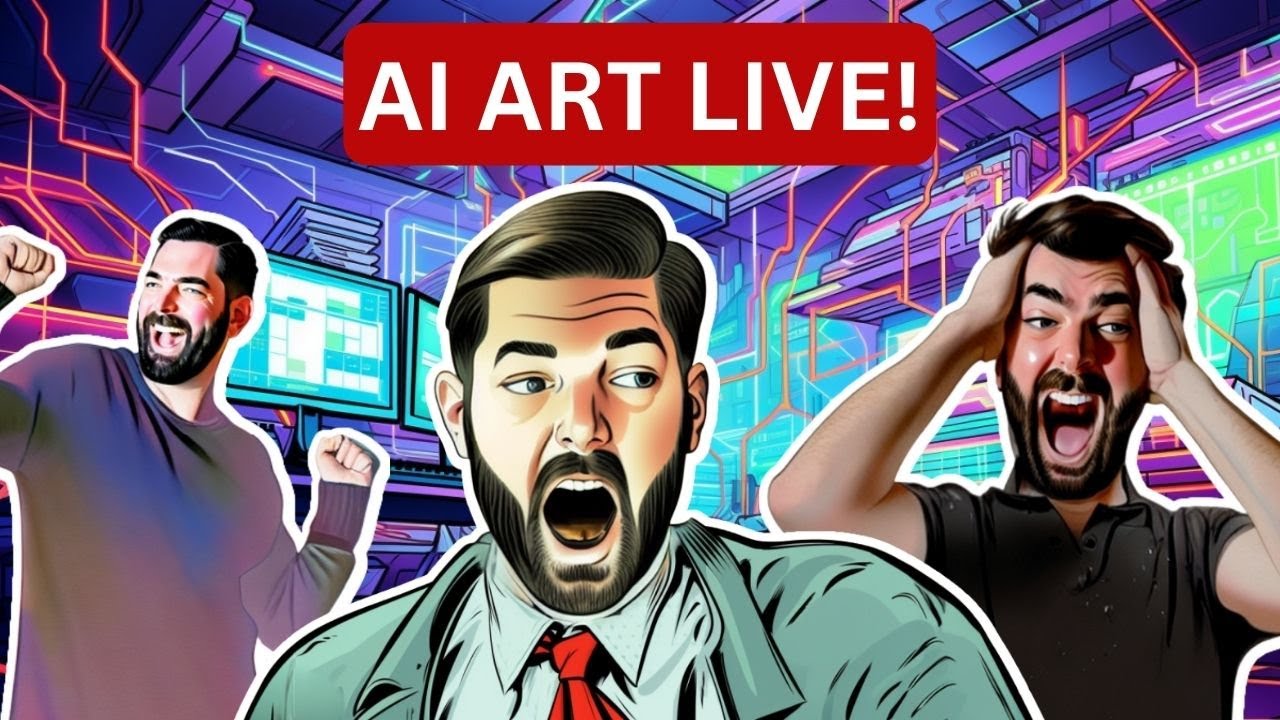
Let's Create AI Art & Thumbnails (LIVE)
Keywords
Summary
111 words
Critical Evaluation
Value of the Information & Strength of the Argument
The video provides a practical, step-by-step demonstration of a real-world AI art workflow. The value lies in the transparency of the process, including failures and workarounds. The argumentation is based on personal experience and anecdotal evidence, which is appropriate for a tutorial format. The creator does not claim scientific rigor but offers actionable advice for creators.
65 words
Title / Content Match
The title accurately reflects the content: a live session creating AI art and thumbnails.
Quality & Reliability
6/10
The video is a live demonstration of AI image generation workflows, with practical tips and tool recommendations. The creator is experienced in the field, but the content is informal and lacks rigorous scientific verification. Claims about tool effectiveness are based on personal experience rather than systematic testing.
Key Moments
Markers derived by PSI from the transcript: the creator did not define chapters.
- Introduction and plan for the live stream.
- Using ChatGPT to brainstorm thumbnail concepts.
- Generating a base image with Midjourney.
- Using Stable Diffusion inpainting to swap faces.
- Upscaling with Topaz Photo AI and cleaning up in Photoshop.
- Assembling the thumbnail in Canva.
- Answering viewer questions about AI tools.
Cited Sources
- FutureTools — Creator's website listing AI tools.
- FutureTools Discord — Community Discord server.
- Matt Wolfe's Blog — Personal blog.
- FutureTools Newsletter — Weekly newsletter.
- Threads Profile — Social media profile.
Concurring Sources
- FutureTools — The creator's own website, which lists AI tools and is referenced in the video.
Contribution & Novelties
The video offers a practical, real-time demonstration of a complete AI thumbnail creation workflow, combining multiple tools. It provides insights into the creator’s personal techniques, such as using a celebrity lookalike as a prompt keyword and using Canva for final assembly.
Pour aller plus loin :
- Stable Diffusion — The core model used for inpainting.
- Midjourney — The AI art generator used for initial images.
- Generative fill — Photoshop’s AI feature for editing images.
74 words
Radar Profile
The radar profile shows a balanced performance across all dimensions, with slightly higher scores in information quantity and technical level, reflecting the practical nature of the tutorial. The lower score in information quality and reliability is due to the informal, anecdotal style.
💬 Sur les 0 commentaires analysés, aucune tendance n'est disponible.