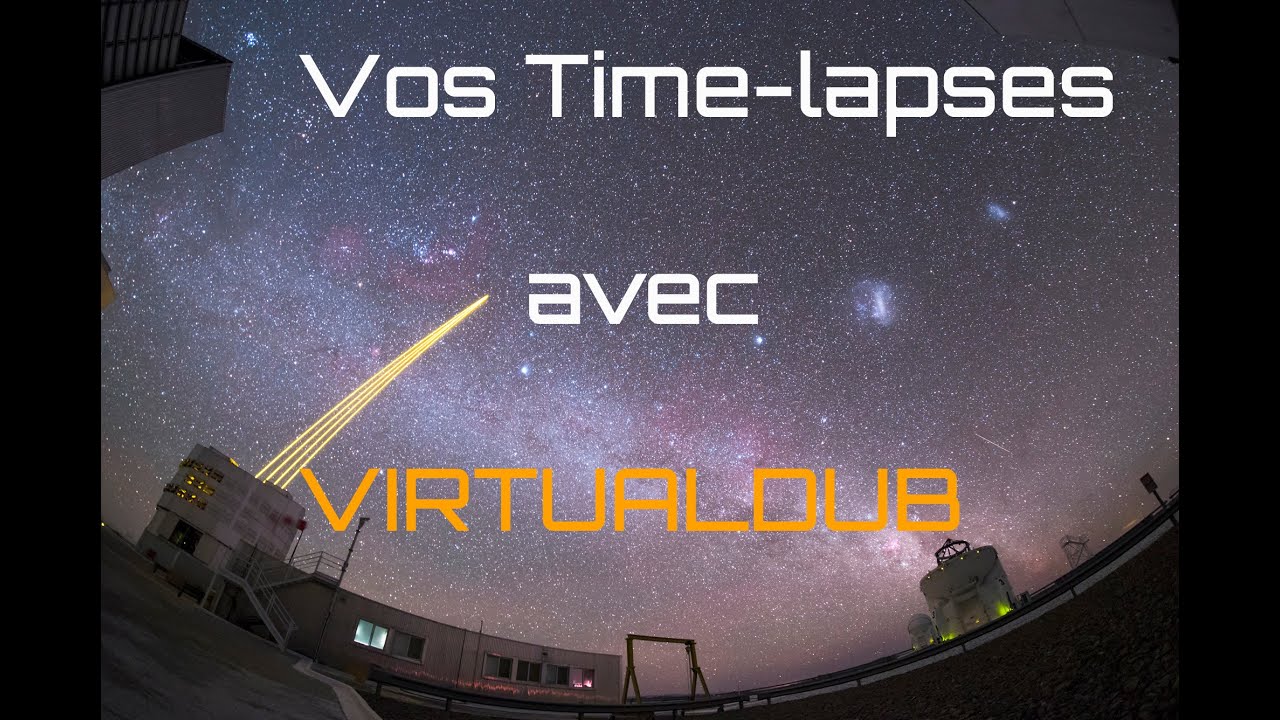
Réalisez votre premier time lapse avec Virtual Dub
Keywords
Summary
226 words
Critical Evaluation
Value of the Information & Strength of the Argument
The video provides practical, actionable information for beginners in astrophotography time-lapses. The author demonstrates each step in real-time, which helps viewers understand the workflow. The argumentation is straightforward and based on personal experience, though it lacks depth on certain technical aspects, such as the specifics of codec settings or alternative software. The tutorial is valuable for its target audience, but it does not offer a comprehensive comparison of methods or advanced techniques.
Scientific Rigor, Source Quality, Title Accuracy
The tutorial is scientifically sound in its practical approach, but it does not cite external sources or research. The only references are the software download link and the Ciel & Espace website for the special issue. The title accurately reflects the content, and the video is well-structured. The author’s expertise is evident from the clear explanations, but the lack of citations limits its scientific rigor. The video is a tutorial, not a research presentation, so this is acceptable for its purpose.
168 words
Title / Content Match
The title accurately describes the content: a step-by-step tutorial on creating a time-lapse using VirtualDub.
Quality & Reliability
7/10
The tutorial is clear and practical, based on the author's direct experience. It covers the essential steps for creating a time-lapse with VirtualDub, including opening image sequences, applying filters, choosing codecs, and setting frame rates. The information is accurate for the software version shown, though some details (e.g., codec installation) are not deeply explained. The video is a practical guide rather than a scientific study, but it is reliable for its intended purpose.
Key Moments
Markers derived by PSI from the transcript: the creator did not define chapters.
- Introduction to VirtualDub and its use for time-lapses.
- Opening the first image of the sequence in VirtualDub.
- Applying filters, such as resizing to 1920x1080.
- Selecting and configuring the Xvid codec for compression.
- Setting the frame rate and saving the video as AVI.
- Reviewing the resulting time-lapse and discussing frame rate effects.
- Mentioning simple video editing in VirtualDub and recommending dedicated software.
Cited Sources
- VirtualDub download page — The software used in the tutorial, with a link to download it.
- Ciel & Espace special issue on astrophotography — Related to the tutorial, offering additional resources for astrophotography.
Concurring Sources
- VirtualDub official documentation — Official site for VirtualDub, confirming its features and usage.
Dissenting Sources
- Alternative time-lapse software comparison — Some sources suggest other software like LRTimelapse for more advanced time-lapse editing, which may offer more features than VirtualDub.
Contribution & Novelties
The video offers a clear, beginner-friendly introduction to creating time-lapses with VirtualDub, a free tool, which is valuable for amateur astrophotographers. It covers the essential steps from opening an image sequence to exporting a compressed video, and highlights common pitfalls like frame rate settings. The tutorial is practical and directly applicable, though it does not introduce new techniques or advanced workflows.
Pour aller plus loin :
- Time-lapse photography — Background on the technique.
- VirtualDub — Overview of the software and its features.
- Xvid — Information on the codec used in the tutorial.
- Astrophotography — General context for the subject.
99 words
Radar Profile
The radar profile shows balanced scores across all dimensions, with a slight emphasis on information quantity and quality. The tutorial is practical and reliable, but not highly technical or comprehensive, which is typical for a beginner-oriented guide.
💬 No comments were provided for analysis.